Workshops - Computational Design Workshops
Hands-on, live-taught workshops across the tools our clients build with: Dynamo and the Revit API, Rhino.Inside for AutoCAD and Civil 3D, Grasshopper and Python, and applied AI.
Live, hands-on, never pre-recorded
Live and hands-on
Taught in real time by the engineers who build the tools. Never pre-recorded.
Real-world projects
Built on project scenarios, not abstract exercises, so skills apply on day one.
Small groups
Capped at 14 places, so every attendee gets direct, individual support.
Beyond the session
A step-by-step guide covers every stage — included for 90 days after your workshop.
Choose a track below, or talk to us about a customised syllabus for your team.

Pioneer
Python + the Revit API
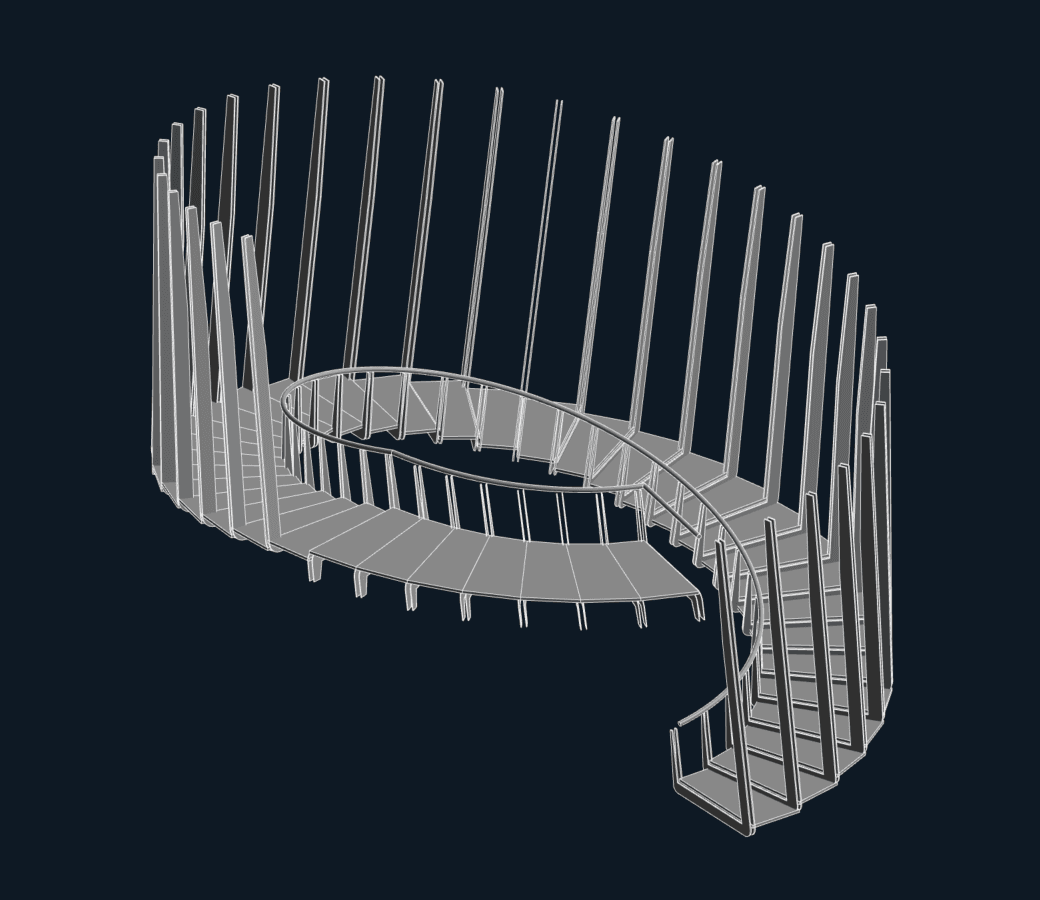
Unlock the full power of Dynamo for Revit with Python. Dynamo's Python nodes run CPython3, so you write standard Python 3 while reaching straight into the .NET libraries Dynamo and Revit are built on. Three parts of practical exercises build the core competencies for coding in Dynamo, working familiarity with the Revit API, and the packaging skills to apply both to your existing workflows.
Read more- Python 3 syntax, libraries and definitions
- Setting up the programming environment
- Interfacing with the Revit API
- Filtered Element Collector and parameter data
- Automating room and tag creation
- Publishing custom node packages
Rhino.Inside in Practice
For AutoCAD + Civil 3D
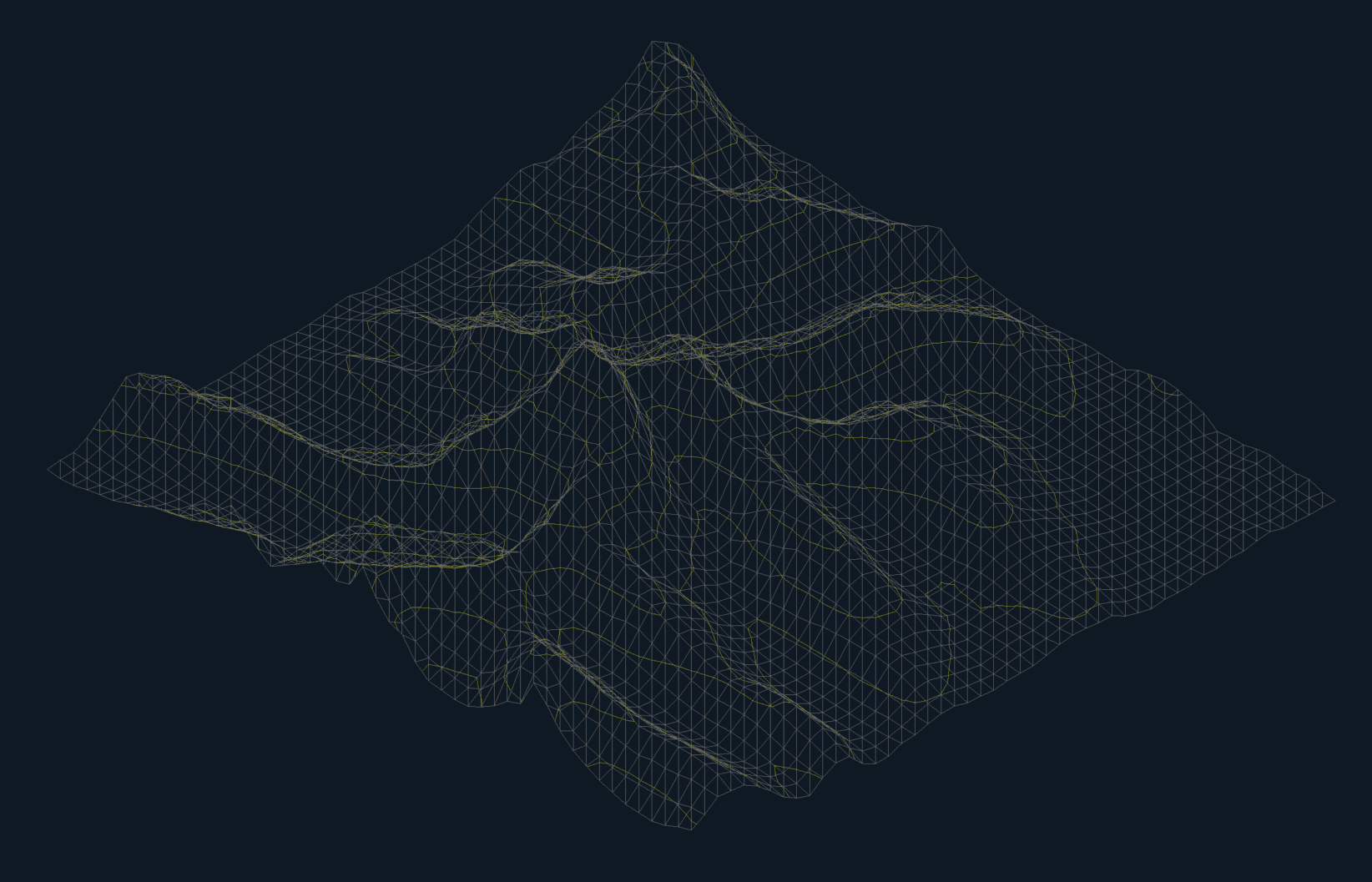
A free, 90-minute live demonstration of Rhino.Inside running inside AutoCAD and Civil 3D, built around everyday drafting workflows. Watch Grasshopper drive AutoCAD directly: placing geometry and blocks, creating dimensions and layouts, selecting and modifying existing text and geometry, and parametric constraints that update the drawing live from a slider.
Read more- Placing geometry and block references from Grasshopper
- Creating dimensions and layouts automatically
- Selecting and modifying existing text and geometry
- Parametric constraints updating AutoCAD live from a slider
Computational Design First Steps
For AutoCAD
Your first step into computational design, for AutoCAD users who can already find their way around Grasshopper. A guided exercise builds computational-design thinking from first principles while deepening the Grasshopper skills you have, then puts both to work on practical modelling tasks driven live into AutoCAD with Rhino.Inside.
Read more- Computational-design thinking from first principles
- Deepening the Grasshopper skills you already have
- The AutoCAD document model, filters and baking
- A live attractor pattern driven by a slider
- Block references populated from curve data
How it works
Step 1
Choose a workshop
Pick your workshop and preferred platform.
Step 2
Book your place
Secure checkout with instant email confirmation.
Step 3
Attend live online
Instructor-led, hands-on sessions. Never pre-recorded.
Step 4
Get certified
Receive a certificate of attendance after the workshop.
Common Questions - Workshop FAQs
Answers to the questions we hear most from attendees and from teams considering a group or bespoke workshop.
Attending a Workshop
Teams, Groups & Bespoke Training
Bring computational design to your team
Tell us your team's experience level and goals, and we'll recommend the right workshop or design a custom syllabus.